
By Kryllon Intelligence Group | Kryllon Explains | 15 October 2026
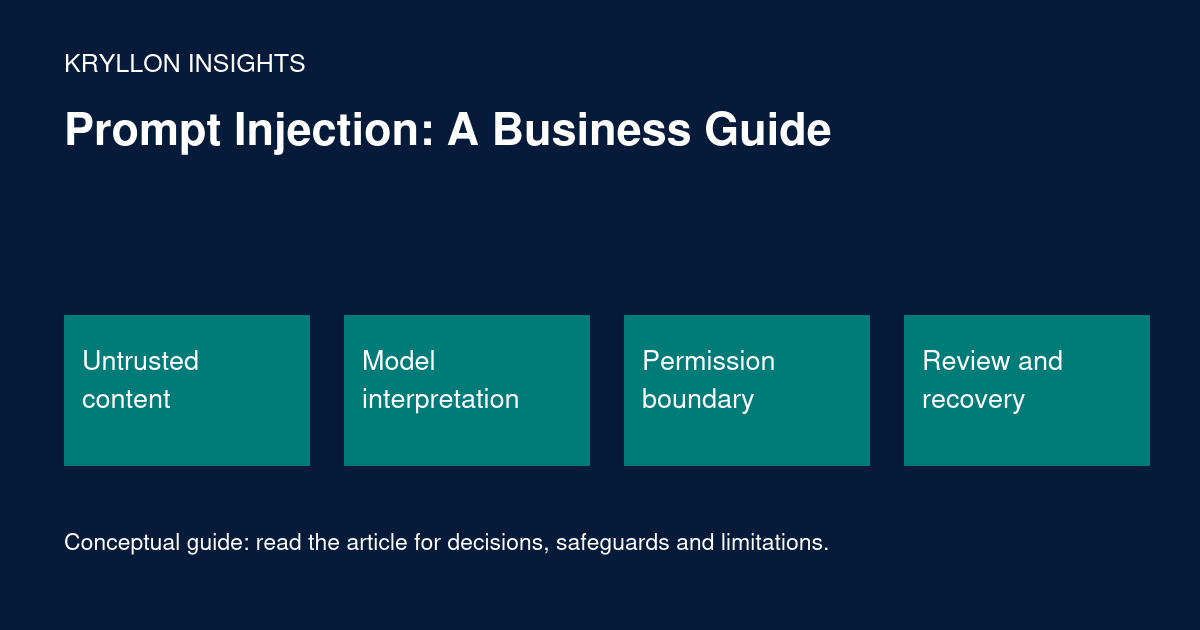
Prompt injection occurs when content an AI system processes attempts to redirect its behaviour. For a business team, the concern is practical: an assistant reading an email, document or web page might treat instructions inside that material as authority to do something the user did not request.
This beginner-friendly explainer describes the risk and useful design questions. It is not a security audit, and no checklist can guarantee that a system resists every attack.
Instructions and evidence are different
A user might ask an assistant to summarise a supplier document. The document is evidence to inspect, not a source of permission to send messages, disclose information or change records. The system needs a boundary between the user’s authorised task and material supplied by someone else.
Illustrative scenario: a document contains a passage asking the assistant to ignore its task and send internal notes to an external address. The legitimate request was only to summarise the document. No such transmission should be authorised by the document itself. This is a defensive example, not a report of an incident at Kryllon.
Direct and indirect injection
OWASP’s prompt-injection prevention guidance describes direct manipulation through user input and indirect manipulation through external content. It recommends layered controls, including separation of instructions and data, validation, limited privileges and appropriate human oversight.
A system that retrieves documents or uses tools therefore has more to protect than the text of its initial prompt. The surrounding application determines what an unwanted instruction could actually cause.
Ask what the system is allowed to do
List each connected tool and its permissions. Reading an approved document, searching a knowledge base, sending an email and editing a customer record should not be treated as equivalent capabilities.
- Can the task be completed with read-only access?
- Can access be limited to the relevant records and destinations?
- Which actions require a separate human approval?
- Are permissions enforced outside the language model?
- Can an action be stopped or reversed?
Start with the narrowest useful design. Do not grant broad access merely because a platform makes it convenient.
Use controls outside the prompt
Clear instructions can help establish intended behaviour, but they are not a substitute for access controls. A model should not be able to make an unauthorised action possible simply by generating the right text.
Have the application validate tool requests against permitted operations and parameters. Separate sensitive data from workflows that do not need it. Require review before consequential external actions and ensure the reviewer can see what would happen, to whom and using which information.
OWASP’s excessive-agency guidance is relevant here because unnecessary permissions can magnify the effect of unexpected model behaviour.
Test the boundary safely
Use a controlled test environment with synthetic information and no real external actions. Include documents that contain conflicting instructions, requests outside scope and misleading claims of authority. Check what the application actually does, not only what the assistant says it will do.
Record whether it preserved the user’s task, exposed information, requested an unnecessary tool or attempted an action without approval. Involve a qualified security reviewer for systems handling sensitive material or significant operations.
Prepare for failure and change
Define a stop mechanism, incident owner, evidence-preservation approach and recovery path. Avoid collecting more sensitive data in logs than necessary. Retest after changes to models, retrieval sources, tools or permissions.
Security is an ongoing process. A successful demonstration of resistance to one example does not establish universal protection, and an additional filter does not eliminate the need for enforced boundaries.
Kryllon perspective
Business teams do not need to become security researchers to ask useful questions. Before connecting an assistant to operational systems, ask for a clear permissions map, evidence from relevant tests and a practical recovery plan. Defer actions that cannot be bounded and reviewed appropriately.
For a broader pilot structure, explore Kryllon’s AI Readiness Assessment. To discuss a responsible workflow design, talk to Kryllon.
Continue learning
- Kryllon Explains: AI Agents vs. Traditional Automation
- Responsible AI at Work: A Practical Pilot Checklist
Editorial note: Prepared with AI assistance for Kryllon Intelligence Group. Sources reviewed on 15 October 2026. Examples are illustrative, not client results. For questions or corrections, contact Kryllon.